Password Gen
Tap a length, tap a character set — get a strong password instantly. Plus a passphrase mode for the ones you have to type.

Tap a length, tap a character set — get a strong password instantly. Plus a passphrase mode for the ones you have to type.
Anyone signing up for yet another account who refuses to use the same six-character word everywhere
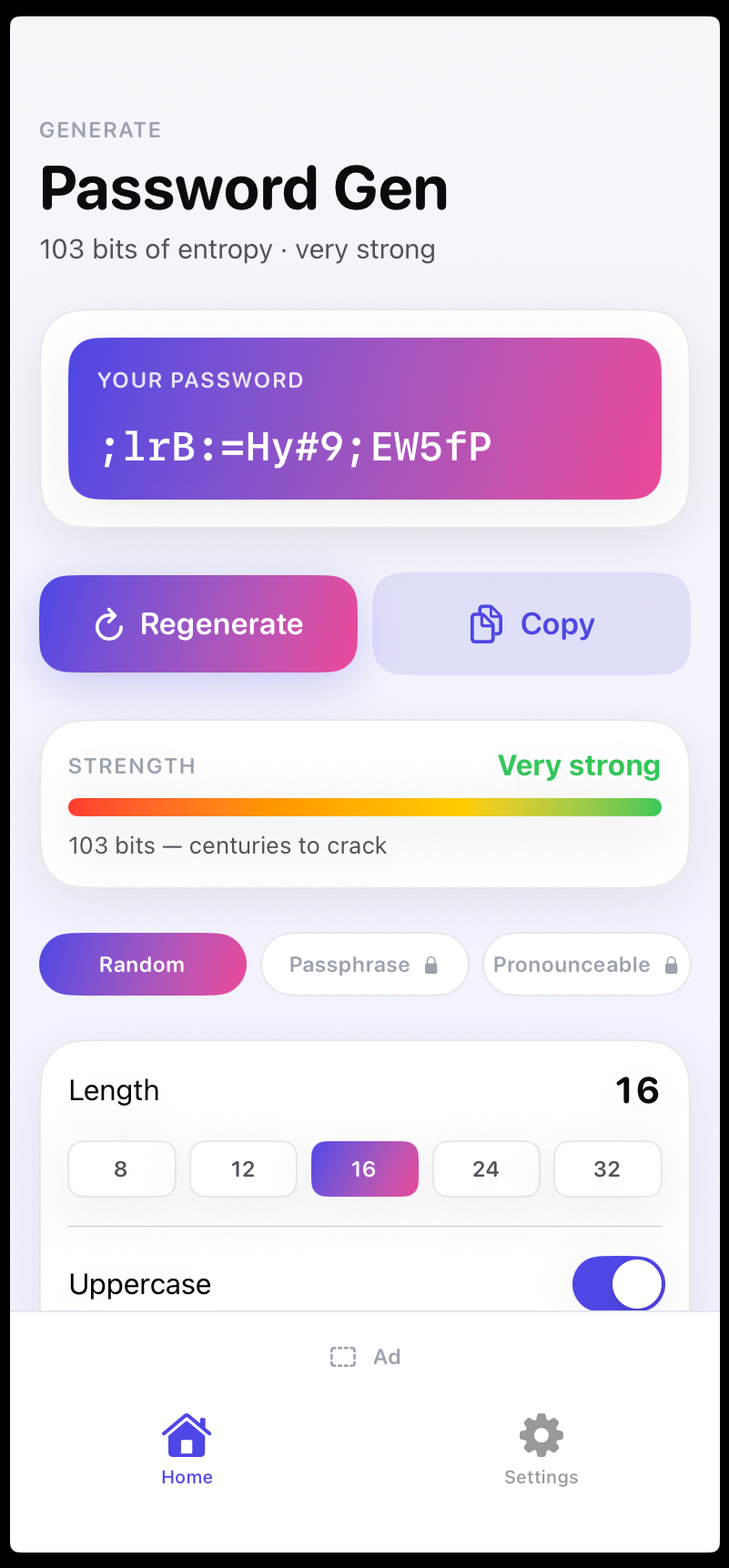
Password Gen generates strong passwords with a single tap. Choose from lengths 8, 12, or 16 characters, then select your character set. The app supports random characters, passphrase mode with 3 to 7 words, and a pronounceable option that produces readable but secure passwords.
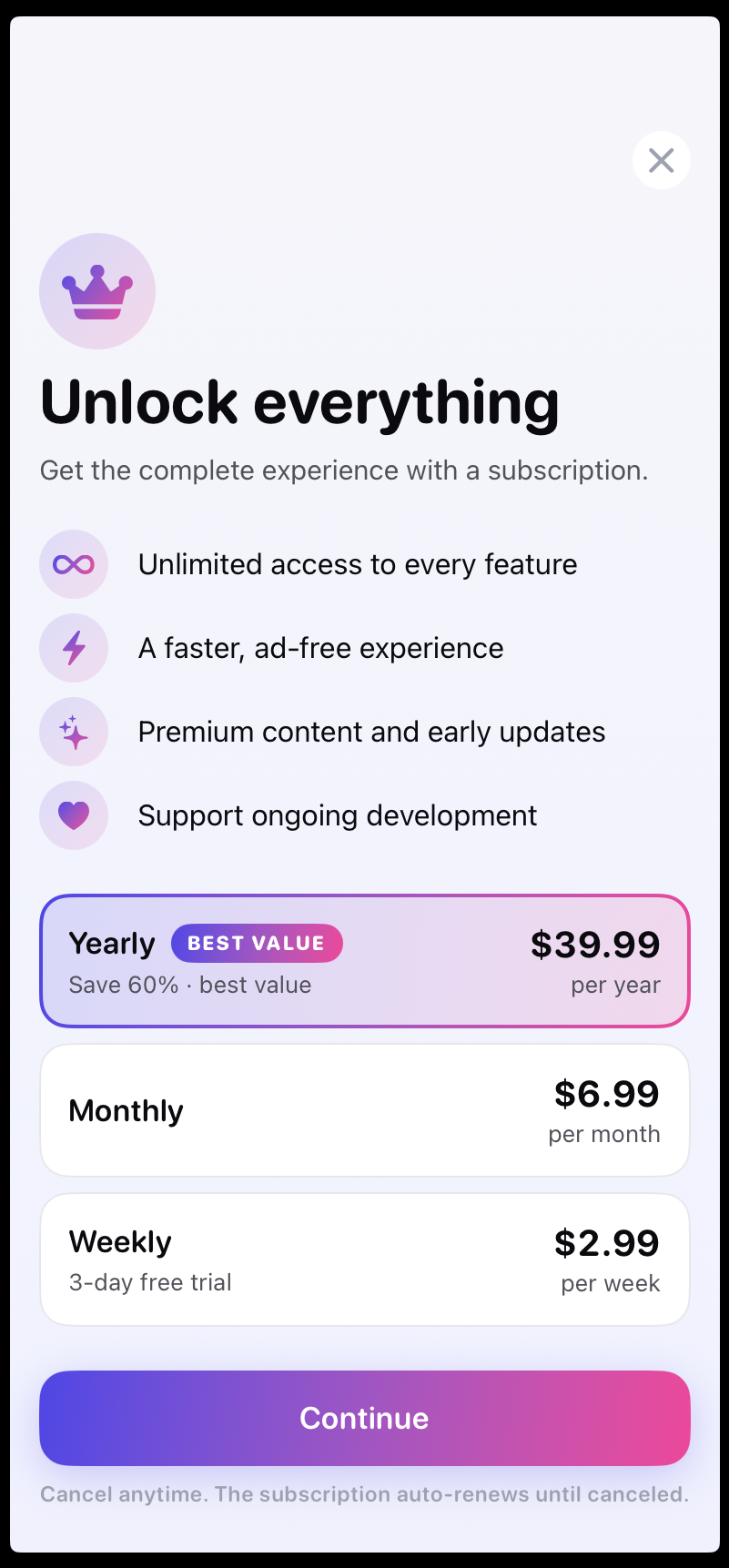
Premium users get a history of their generated passwords, each with a copy button. Ads are removed, and the subscription unlocks all modes without interrupting your workflow.
free = random-character mode, lengths 8/12/16. Subscription unlocks passphrase mode (3-7 words), pronounceable mode and history with copy-button and removes ads.
Full details in our privacy policy.
This app is in private beta on TestFlight. To request an invite, email support@bestpaid.app with the subject line TestFlight beta: Password Gen.